About Overwrite
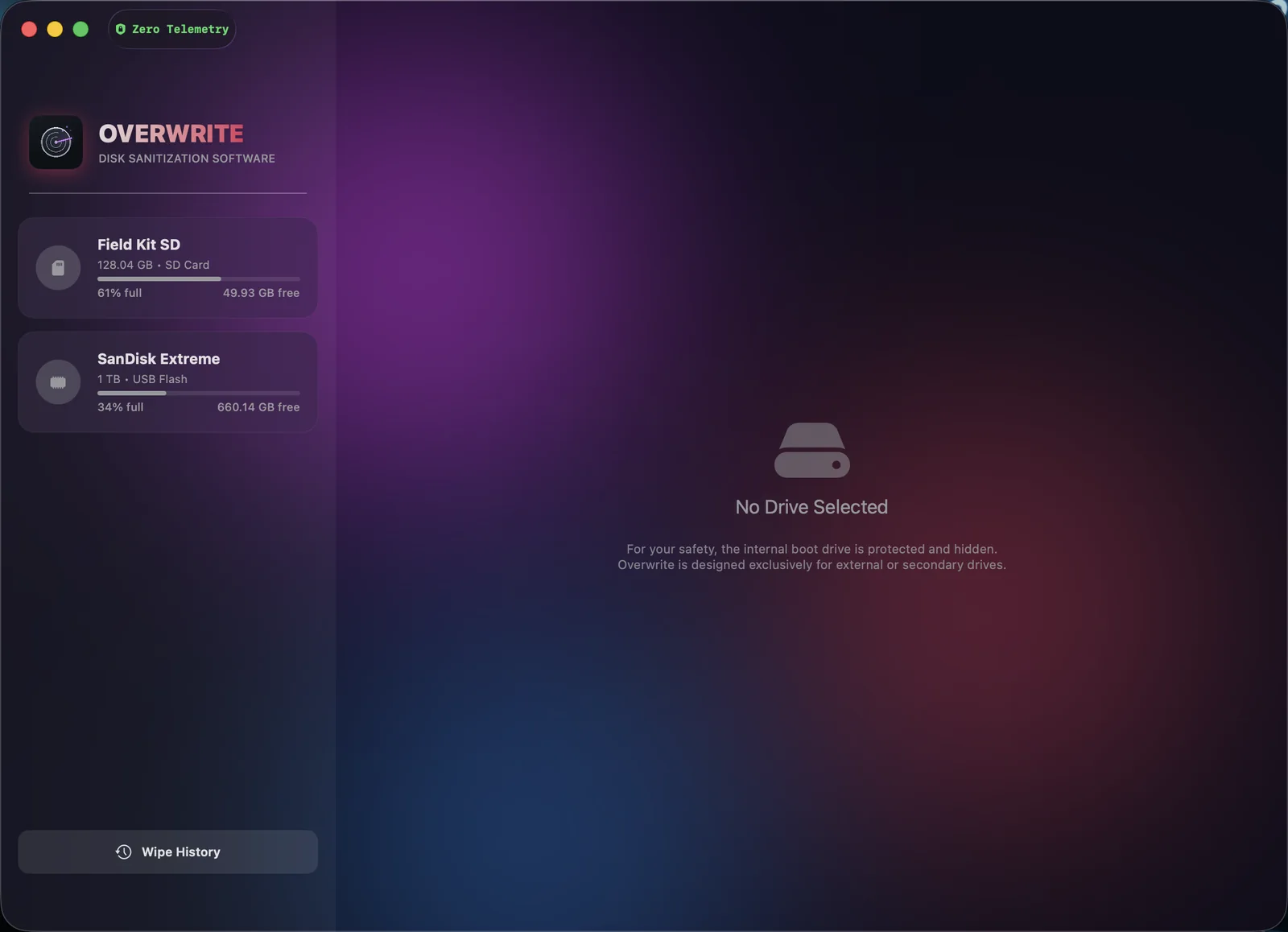
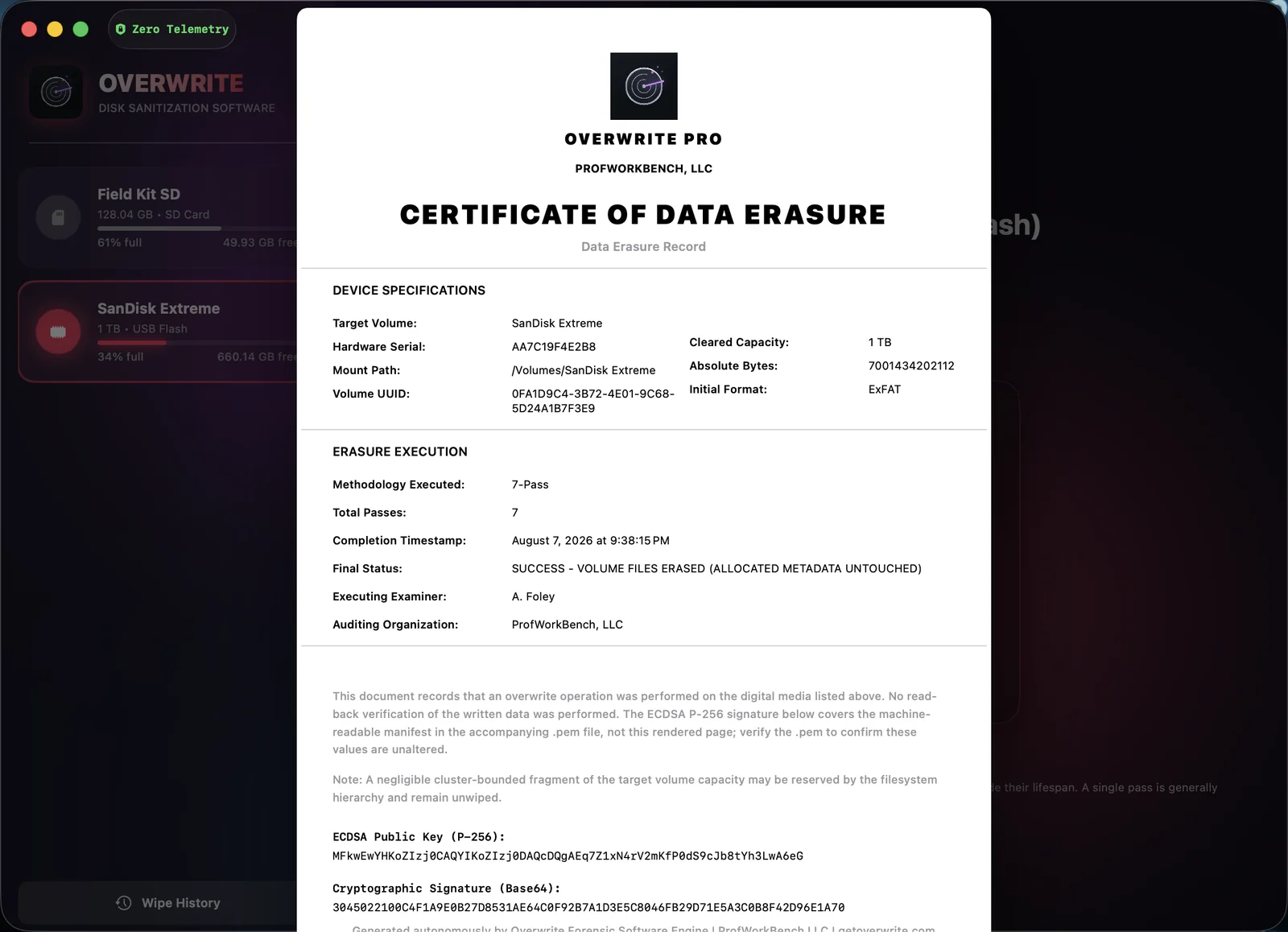
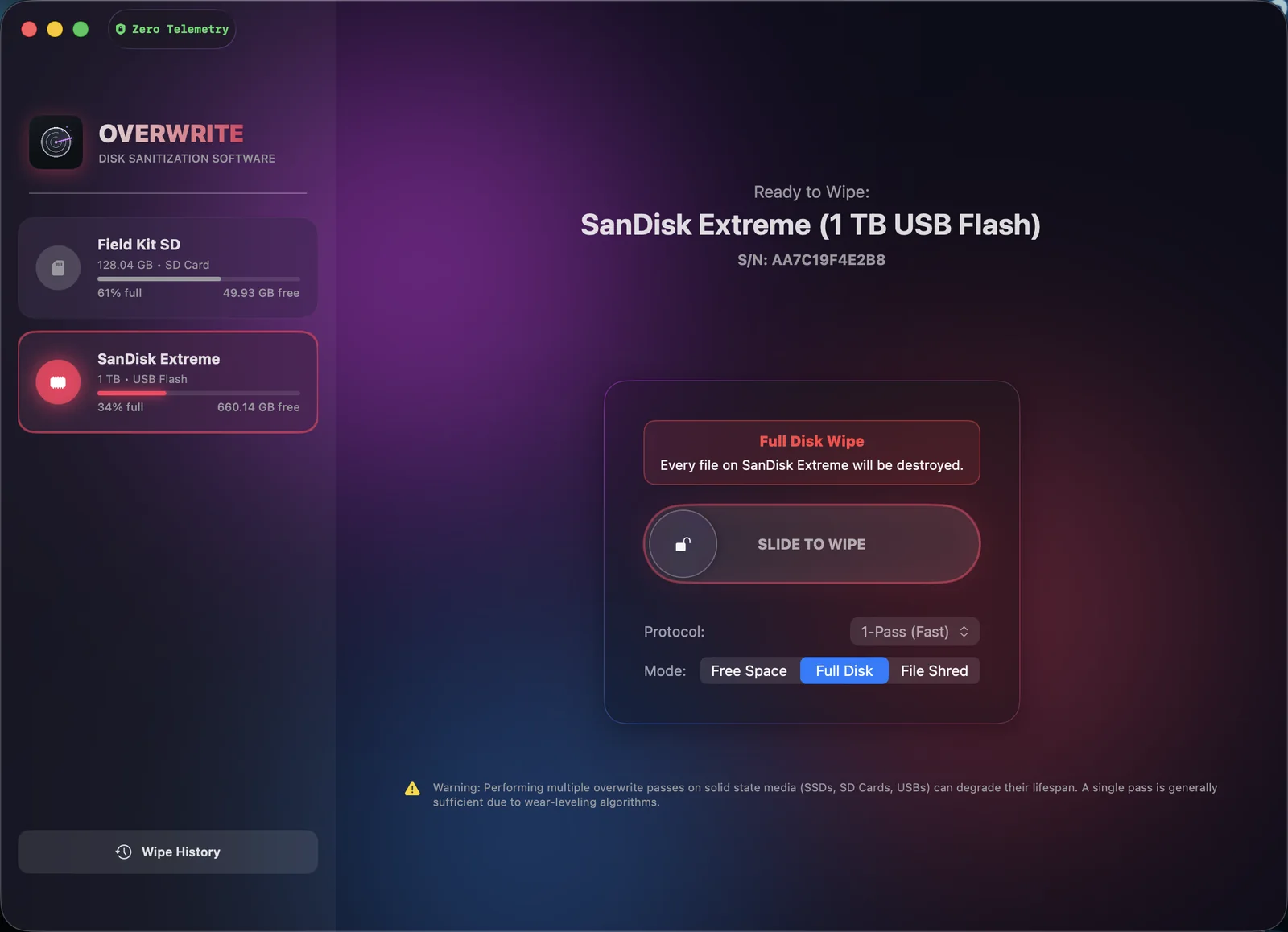
Overwrite is a disk-sanitization utility for macOS from ProfWorkBench, LLC, in two editions. Overwrite Elite, sold as a direct download, overwrites the whole of an external drive — every block the Mac can address — with 1-, 3-, 7- or 35-pass protocols, optionally reads the result back, and issues a locally signed Certificate of Data Erasure that anyone can verify with a free standalone tool. The Mac App Store edition deletes a drive’s files and overwrites its free space through the file system, and issues a signed record of what it wrote. Both are made for anyone who sells, returns or recycles a drive: dragging files to the Trash doesn’t destroy them, and free recovery software can bring them back.
Overwrite Elite is sold directly by ProfWorkBench and updated in-app; the App Store edition is sold on the Mac App Store. Both have zero telemetry — no accounts, no analytics, no crash reporting. For safety, neither can touch the internal boot drive; they work only on external and removable media.
Approved boilerplate
Overwrite — secure disk sanitization for macOS. Deleted isn’t gone. Overwritten is.
Overwrite is a native macOS app that erases external drives, USB sticks and SD cards so deleted files cannot be recovered by software. Overwrite Elite overwrites the whole device block by block with 1- to 35-pass protocols, reads it back on request, and seals each wipe with a locally signed ECDSA P-256 Certificate of Data Erasure that a free standalone verifier can check. Available in 15 languages.
Fact sheet
| Product | Overwrite |
|---|---|
| Developer | ProfWorkBench, LLC |
| Platform | Overwrite Elite: universal (Apple silicon and Intel), macOS 14 or later, direct download · App Store edition: Apple silicon, macOS 26 or later |
| Pricing | Overwrite Elite $99 one-time (1 user, 2 Macs) · Lab Pack $399 · Site License from $2,999 · Enterprise from $7,500 · App Store edition: Preview free, Annual Pro $12.99/year, Lifetime Pro $24.99 one-time |
| Languages | 15 — English, Deutsch, Español, Français, Italiano, Português (Brasil), Türkçe, Русский, العربية, עברית, हिन्दी, 日本語, 한국어, 简体中文, 繁高中文 |
| Privacy | Zero telemetry — no accounts, no analytics, no crash reporting. App Store edition: Apple’s StoreKit only. Elite: three disclosed connections (update check, licence activation, optional certificate timestamp). |
| Launched | App Store edition since version 1.0 · Overwrite Elite August 2026 |
| Links | getoverwrite.com · Mac App Store · profworkbench.com |
Brand assets
Click any card to open the full-resolution file, then save it. Assets may be used unmodified in editorial coverage of Overwrite — please don’t recolor, distort, or recompose the app icon.
Press contact
For interviews, review copies, or anything not covered here, reach us through the ProfWorkBench support & press desk.
Contact ProfWorkBench